
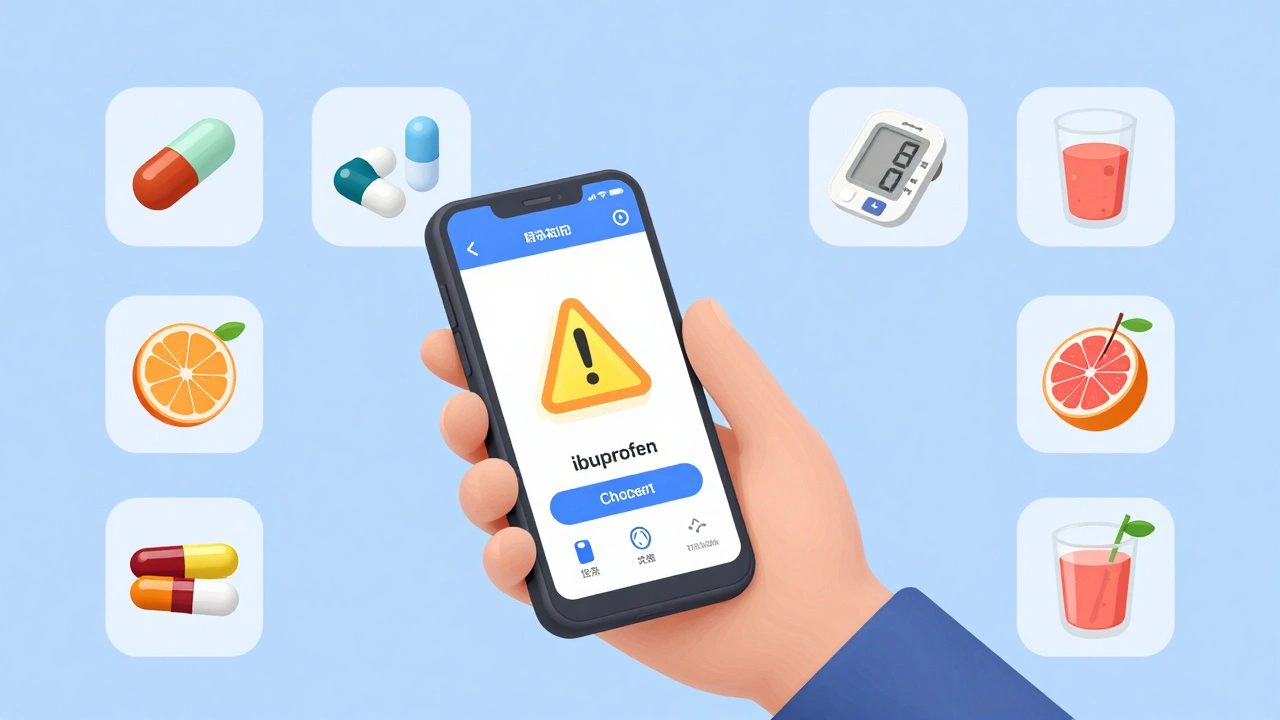
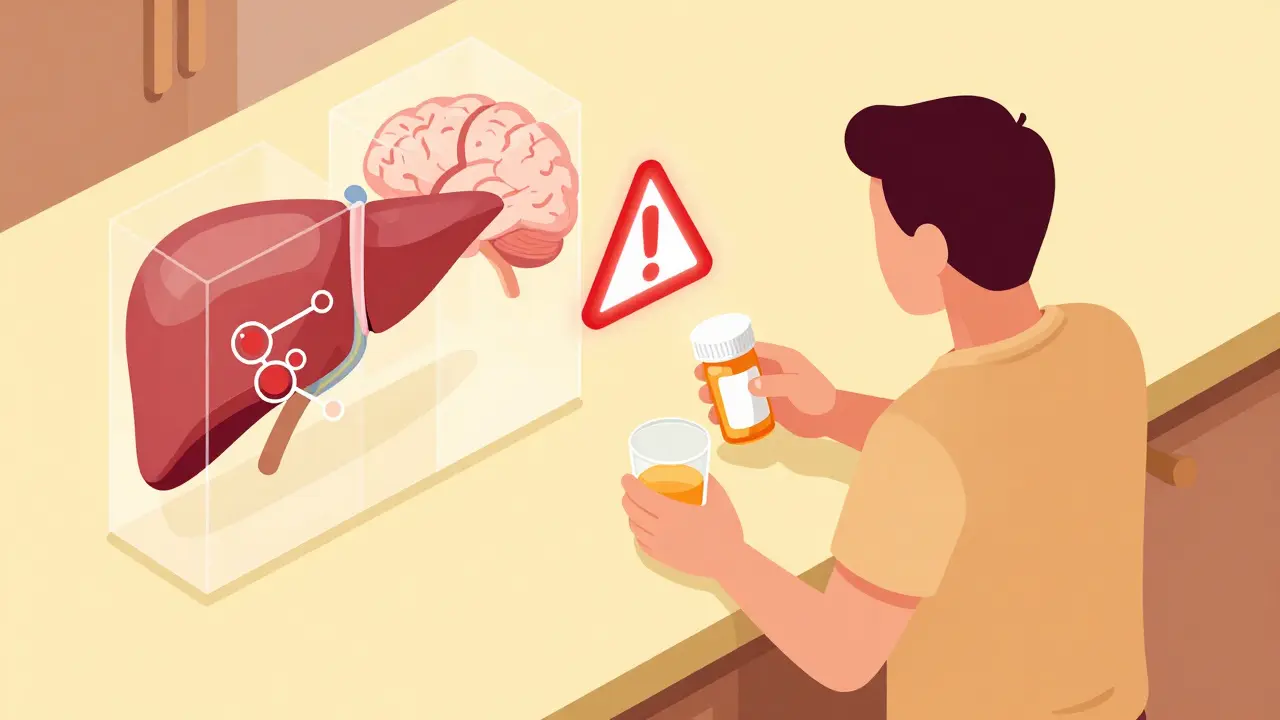
Every year, over 1.3 million people in the U.S. get hurt because of medication errors. Many of these mistakes happen because doctors, pharmacists, or patients don’t realize how two or more drugs can clash. A simple combination - like taking ibuprofen with blood pressure medicine or mixing a common supplement like St. John’s wort with an antidepressant - can lead to serious side effects, hospital visits, or even death. The good news? You don’t have to guess anymore. Pharmacy apps now make it easy to check for dangerous drug interactions in seconds.
Why Drug Interaction Checks Matter
Most people don’t think about drug interactions until something goes wrong. But the reality is, nearly half of Americans over 65 take five or more medications daily. Add in over-the-counter painkillers, vitamins, herbal teas, or even grapefruit juice, and the risk skyrockets. A 2023 study found that 28% of drug pairs had conflicting risk ratings across different apps - meaning one tool might call a mix "minor," while another calls it "life-threatening." That’s why checking interactions isn’t optional. It’s a basic safety step - like buckling your seatbelt before driving. Whether you’re a patient managing your own meds, a nurse prescribing a new antibiotic, or a pharmacist filling a prescription, knowing what’s safe to take together saves lives.How Pharmacy Apps Work
These apps aren’t just digital drug guides. They’re smart tools built on massive databases containing thousands of drug monographs, clinical studies, and real-world adverse event reports. When you enter a medication, the app cross-references it with everything else you’ve added - including supplements and food. It then flags potential problems and tells you what kind of risk you’re facing. Most apps categorize interactions into four levels:- Contraindicated - Never mix. Could cause organ failure or death.
- Major - High risk. Requires dose changes or close monitoring.
- Moderate - Possible side effects. Watch for symptoms.
- Minor - Low risk. Usually just mild discomfort.
Top Pharmacy Apps for Checking Drug Interactions
Not all apps are created equal. Some are made for doctors. Others are built for patients. Here’s what actually works in real life:Epocrates
Used by over a million healthcare pros, Epocrates is the gold standard for speed and accuracy. You can search by drug name, scan a pill barcode, or even take a photo of a pill with your phone’s camera. Its pill identifier works 92% of the time, even for generic brands. The free version lets you check up to five drugs at once. For full access - including interaction checks for 30+ drugs, live pharmacist support, and updates on FDA alerts - it’s $49.99/month. But most users say it pays for itself in time saved. One ER nurse reported cutting her med review time from 20 minutes to under five.Lexicomp
If you work in a hospital or pharmacy, Lexicomp is probably already on your device. Owned by Wolters Kluwer, it’s the most comprehensive tool for clinical settings. It includes IV compatibility charts, pharmacogenomics data (how your genes affect drug response), and detailed patient education handouts. It works offline - critical when Wi-Fi is down in the ICU. The downside? It’s expensive at $199/year and has a clunky interface. But for professionals who need every detail, it’s unmatched. Hospitals use it because it catches 98.7% of serious interactions - the highest rate of any app.UpToDate
This isn’t just an interaction checker - it’s a full clinical decision engine. You can track up to 50 medications at once, which is huge for patients on complex regimens. It also gives you overdose protocols, toxidrome patterns (like serotonin syndrome signs), and treatment steps for poisonings. It’s not meant for quick checks - it’s for deep dives. Doctors use it when they’re unsure about a rare combo. The price is steep ($499/year), so it’s mostly used in clinics and hospitals.Drugs.com
If you’re a patient looking for a free, no-frills option, Drugs.com is your best bet. It’s got a clean interface, FDA alerts, and a reliable interaction checker that works for prescriptions, OTC meds, and supplements. No login needed. No ads during checks - except for occasional pop-ups, which some users find distracting. With over 120,000 reviews and a 4.7-star rating on the App Store, it’s trusted by millions. The catch? It doesn’t offer clinical depth. It won’t tell you how to adjust a dose or monitor for side effects - just that a mix is risky.Medisafe
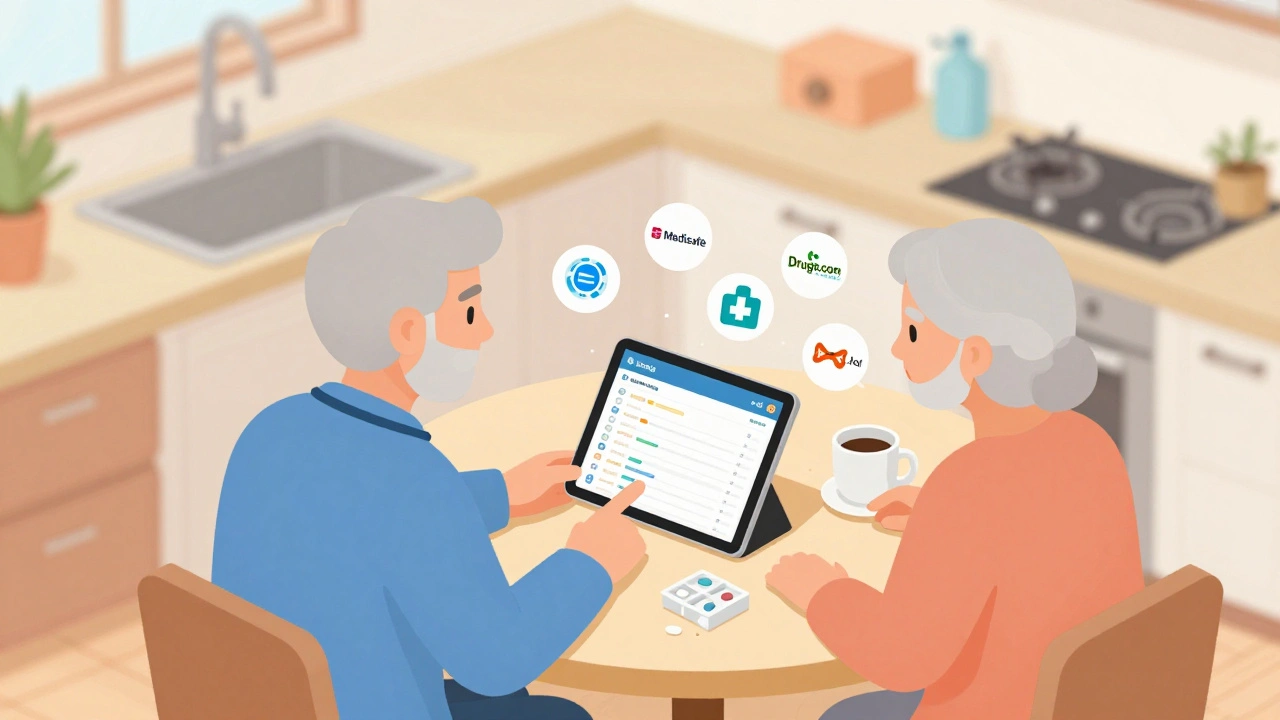
Designed for patients and caregivers, Medisafe helps you track when to take your pills and reminds you if you miss a dose. It also checks for interactions, but it’s simplified. It’s great for seniors managing meds with family help. But don’t rely on it alone - a 2022 study found consumer apps like Medisafe miss 30-40% of major interactions compared to professional tools. Use it as a helper, not your main safety net.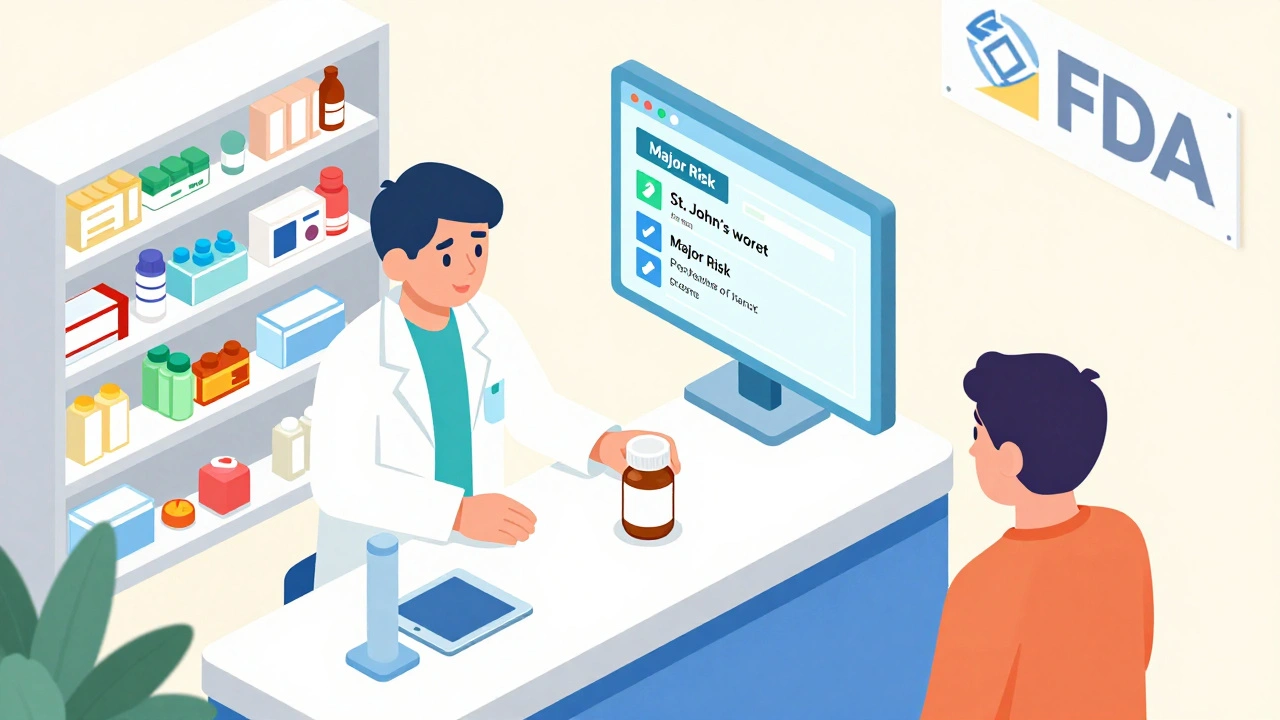
How to Use These Apps Like a Pro
Using these tools isn’t hard - but doing it right takes a habit. Here’s the step-by-step routine that works:- Add every medication - not just prescriptions. Include OTC painkillers, sleep aids, vitamins, herbal supplements, and even CBD oil. Many interactions come from "natural" products people assume are harmless.
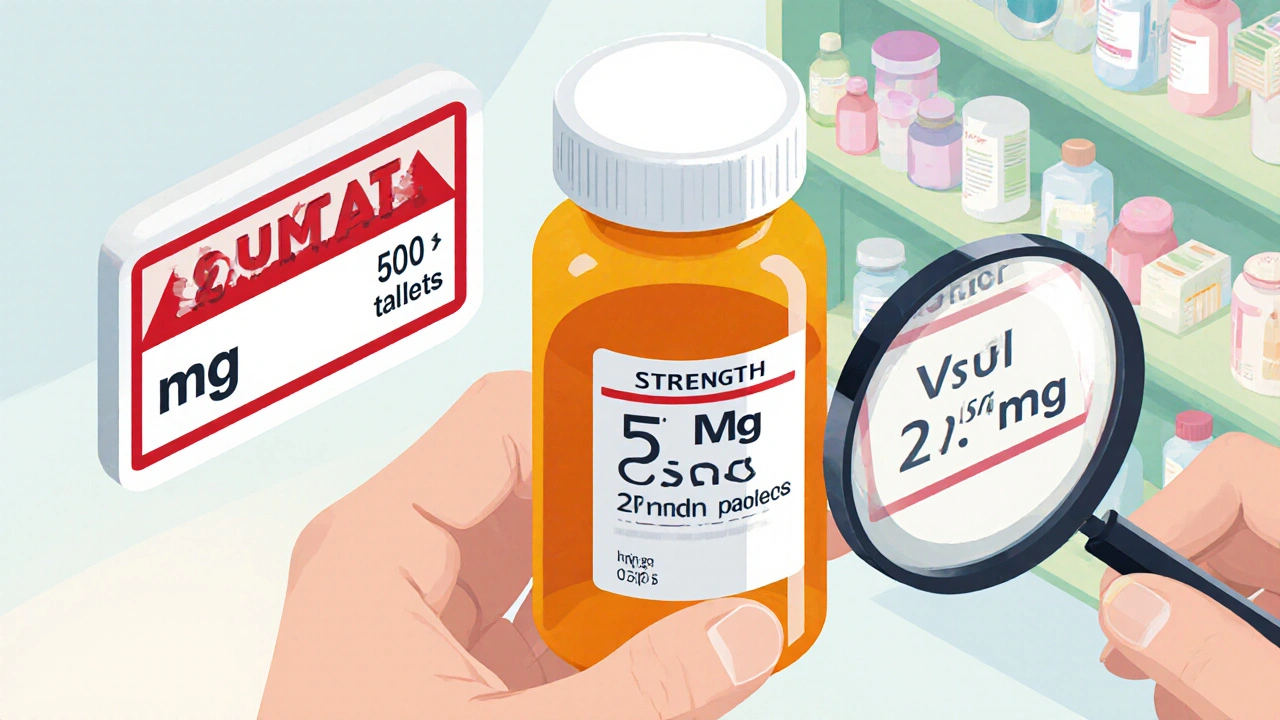
- Use multiple entry methods - Type the name, scan the barcode, or take a picture of the pill. Epocrates’ camera tool works even if the pill has no imprint.
- Check before adding anything new - Don’t wait until you’ve already started a new drug. Check first. Always.
- Look at the severity level - Don’t ignore "moderate" risks. They can become serious over time, especially in older adults or people with kidney or liver problems.
- Double-check with a second app - If you’re dealing with a high-risk combo (like blood thinners, heart meds, or antidepressants), run the same list through Drugs.com and Epocrates. Discrepancies happen.
- Document your check - Write it down in your notes or tell your provider. If you’re a clinician, log it in the patient’s chart. Paper trails save lives.
What to Watch Out For
Even the best apps have blind spots:- Free apps miss things - A 2023 JAMA study found consumer apps flagged only 76% of serious interactions. Professional tools like Lexicomp and Micromedex catch nearly all of them.
- Updates lag - New drug warnings take time to appear in apps. Always cross-reference with the FDA’s Drugs@FDA Express app for the latest alerts.
- Age and metabolism matter - Older adults process drugs slower. Some apps don’t adjust for this. MySeniorCareHub’s 2025 update is one of the first to factor in age-related metabolism changes.
- Don’t trust one source - If two apps give you different answers on the same combo, stop. Talk to a pharmacist. Don’t guess.
Who Should Use These Apps?
Patients: If you take three or more medications, you need this. Especially if you’re over 65, have chronic conditions, or see multiple doctors. Family caregivers: If you help a parent or loved one manage meds, these apps are lifesavers. Medisafe lets you sync alerts to your phone so you know when they missed a dose. Healthcare providers: Pharmacists, nurses, and doctors use these daily. Epocrates is the fastest for quick checks. Lexicomp is the most thorough for complex cases. Pharmacies: Independent pharmacies rely on Epocrates. Hospitals use Lexicomp. Both save time and reduce errors.The Future of Drug Interaction Tools
The next wave is smarter. Epocrates launched AI-powered interaction predictions in 2023 - it doesn’t just tell you what’s risky, it predicts what might go wrong based on your age, kidney function, and other health data. Apps are also starting to talk to your electronic health records through FHIR standards, so your med list auto-populates. But the biggest change? Regulation. Since 2022, Medicare Part D requires pharmacies to check for interactions before filling prescriptions. That’s pushing every pharmacy to adopt better tools.Final Tip: Don’t Skip the Check
You wouldn’t drive without checking your mirrors. Don’t take a new pill without checking its interactions. Even if you’ve taken it before. Even if your doctor said it was fine. New conditions, new meds, new supplements - they all change the game. Use a reliable app. Add everything. Check every time. And if you’re unsure - ask a pharmacist. They’re trained for this. And they’re usually just a phone call away.Can I rely on free pharmacy apps to check drug interactions?
Free apps like Drugs.com are useful for basic checks and are better than nothing. But they miss up to 40% of serious interactions compared to professional tools like Epocrates or Lexicomp. If you’re on multiple medications, especially for heart, mental health, or blood clotting conditions, use a paid professional app or consult a pharmacist. Don’t depend on free tools for high-risk combinations.
Do pharmacy apps check interactions with supplements and herbs?
Yes, most major apps - Epocrates, Lexicomp, Drugs.com - include supplements like St. John’s wort, ginkgo biloba, garlic, and fish oil. Many interactions are overlooked because people assume supplements are safe. But St. John’s wort can reduce the effectiveness of birth control, blood thinners, and antidepressants. Always include every supplement you take when using these apps.
How accurate is the pill scanner in pharmacy apps?
The best pill scanners, like Epocrates’ camera tool, are about 92% accurate based on internal testing. They match color, shape, and imprint codes against a database of over 10,000 pills. If the pill has no marking (common with generics), accuracy drops. Always double-check the name if the scanner gives an unclear result. Don’t rely on it alone - use it as a helper, not your only source.
Can pharmacy apps help with medication adherence?
Yes, but only specific apps. Medisafe, MyTherapy, and Hero are designed for adherence - they send reminders, track doses, and let caregivers monitor your schedule. Apps like Epocrates and Lexicomp focus on interactions and clinical data, not reminders. If you struggle to take meds on time, use a dedicated adherence app alongside an interaction checker.
Are pharmacy apps safe to use for elderly patients?
Yes - but choose the right one. Apps like Medisafe and mySeniorCareHub are designed for seniors, with large fonts, voice input, and simple warnings. Avoid complex tools like Lexicomp unless a caregiver or nurse is helping. Also, make sure the app accounts for age-related changes in metabolism. Older adults process drugs slower, and some apps don’t adjust for that. Always pair app use with a pharmacist review.
Do I need to pay for a pharmacy app?
You don’t have to, but you should if you take multiple medications. Free apps like Drugs.com are good for occasional use. But if you’re on five or more drugs, or have chronic conditions like diabetes, heart disease, or depression, the $50/month or $200/year cost for Epocrates or Lexicomp is worth it. These tools prevent hospitalizations - and one ER visit costs far more than a year’s subscription.
Can pharmacy apps replace talking to a pharmacist?
No. Apps are tools, not replacements. Pharmacists interpret your full health picture - your kidney function, allergies, other conditions, and even your diet. An app might flag an interaction, but only a pharmacist can tell you if it’s safe to adjust the dose, switch drugs, or monitor symptoms. Always follow up with a pharmacist, especially for high-risk meds like blood thinners or insulin.
Deborah Andrich
December 12, 2025 AT 14:49Been using Drugs.com for years and it saved my mom’s life when she started mixing blood thinners with ginkgo. Didn’t know supplements could be that dangerous until the app flagged it. Now I check everything, even that ‘harmless’ turmeric pill.
Tommy Watson
December 13, 2025 AT 03:46epocrates is a joke. pay 50 bucks a month just to check if ibuprofen and lisinopril clash? my grandma uses a paper list and a highlighter and shes never ended up in the er. capitalism is wild.
Donna Hammond
December 14, 2025 AT 10:05As a clinical pharmacist, I use Lexicomp daily and can confirm: it catches 98%+ of serious interactions. But here’s the truth - most patients don’t know how to interpret the severity levels. A ‘moderate’ interaction with warfarin can kill you if ignored for weeks. Always escalate to a pharmacist if you see red flags, even if the app says ‘monitor.’
Jade Hovet
December 16, 2025 AT 06:51OMG YES 🙌 I use Medisafe with my dad and it’s a game-changer! He forgets meds all the time but now I get alerts when he skips a dose. Also love that it shows him simple icons instead of medical jargon. 👵💊
nithin Kuntumadugu
December 18, 2025 AT 05:06pharmacy apps? lol. they're all funded by big pharma. they only flag interactions that make drugs more expensive. st john's wort works better than antidepressants anyway. the real danger is the system trying to control what you take. 🤡
John Fred
December 19, 2025 AT 05:01Epocrates is the MVP for med students and docs. I scan pills in the ER all day - 90% of the time it nails it. Pro tip: if the scanner says ‘unknown,’ check the pill imprint on Pillbox. That’s saved me 3x already.
Harriet Wollaston
December 19, 2025 AT 10:24My aunt in Florida takes 12 meds and never checks anything. I showed her Drugs.com on my phone and she cried because she realized she’d been mixing grapefruit with her cholesterol drug for 5 years. Simple tools can change lives. Just need someone to show them how.
sharon soila
December 20, 2025 AT 21:49There is a moral responsibility here. If you are given medicine, you are given power - and with power comes the duty to understand its consequences. To ignore an interaction check is to gamble with life. Not for yourself alone, but for everyone around you.
nina nakamura
December 21, 2025 AT 23:08Everyone’s obsessed with apps but no one reads the fine print. That 28% discrepancy rate? That’s because half these apps are using outdated FDA data. And you think a camera scan is reliable? My cousin’s generic oxycodone got flagged as ‘aspirin.’ Don’t trust machines. Trust your doctor. Or don’t take anything at all.
Hamza Laassili
December 23, 2025 AT 14:17USA is the only country where you need to PAY to not die from your own meds. In Canada, pharmacists check everything for FREE. Here? You need a subscription to avoid getting poisoned. This is sick. #MedicareForAll
Rawlson King
December 24, 2025 AT 12:32Professional tools are overrated. If you're not a clinician, you don't need Lexicomp. You need a pharmacist. And if you're paying $200/year for an app, you're being scammed. The real solution? Stop prescribing so many drugs in the first place.
Constantine Vigderman
December 26, 2025 AT 12:17Just used Epocrates to check my new antidepressant + CBD oil combo - flagged as ‘major.’ Called my pharmacist, she said ‘switch to a different oil.’ Saved me from a serotonin nightmare. Apps aren’t magic, but they’re your first line of defense. Use ‘em!
Cole Newman
December 26, 2025 AT 23:29Why are you all so obsessed with apps? Just write down your meds on a napkin and ask your pharmacist. They’re paid to know this stuff. You’re not. Stop trying to be your own doctor.
Webster Bull
December 28, 2025 AT 22:22My dad’s on 8 meds. We use Medisafe for reminders and Epocrates for checks. But here’s the real hack: we print the interaction report and bring it to every appointment. Doctors skip the app. Paper doesn’t.
Deborah Andrich
December 29, 2025 AT 20:20They say apps can’t replace pharmacists - but they also can’t replace your own attention. I check every new pill twice. Once on Drugs.com, once on Epocrates. If they disagree? I call the pharmacy. No excuses.